
Snapseed
by Google LLC
About this app
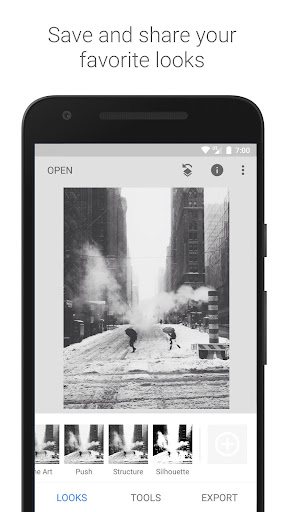
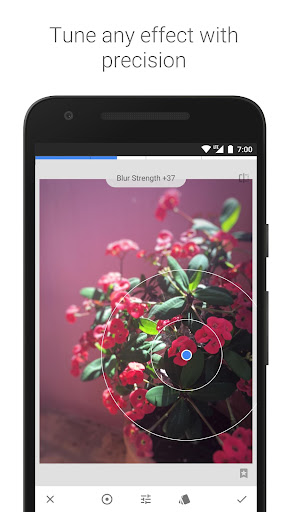
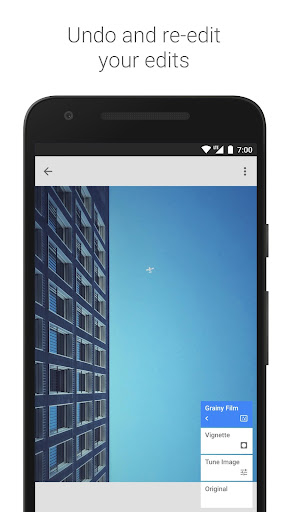
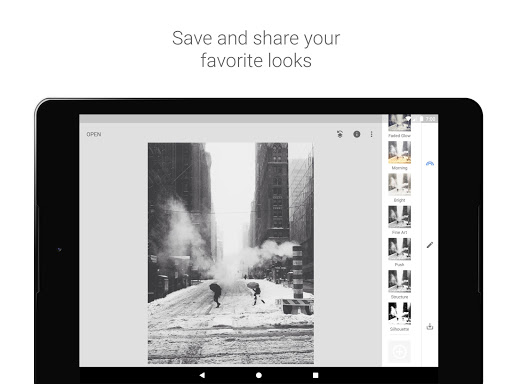
Snapseed is Google's professional photo editing app and iOS. Originally developed by Nik Software and acquired by Google in 2012, it has been available completely free ever since — no ads, no subscriptions, no in-app purchases. This makes it an almost uniquely generous offering in a market full of apps that aggressively monetize their best tools. Snapseed's editing philosophy centers on precision and non-destructiveness. Every edit you make is stored as a stacked layer of adjustments, which you can revisit, tweak, or delete at any time without touching the original photo. Its standout feature — the U-point selective adjustment tool — lets you paint edits onto specific parts of an image, brightening a face while darkening a background, or sharpening a subject without affecting the sky. This level of control is rare even in paid apps, let alone a free one.
Features
- →Selective Adjustments — Place a control point anywhere on your photo and adjust brightness, contrast, saturation, and structure for that area only. Perfect for portraits, landscapes, and complex lighting situations.
- →Non-Destructive Stacks — Every edit is saved as a reversible layer. Tap any stack item to modify or delete a single adjustment without redoing your entire edit.
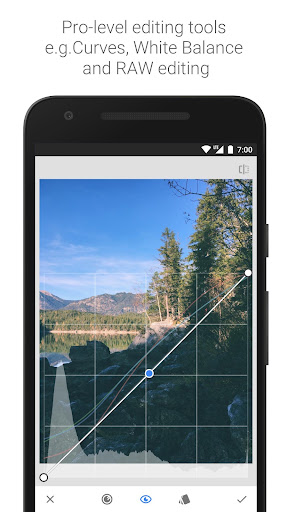
- →RAW File Support — Open and edit RAW files from professional cameras directly on your phone. Preserve full dynamic range and color depth that JPEG compression destroys.
- →Healing & Expand Tools — Remove unwanted objects, blemishes, or distractions with the Healing brush. The Expand tool uses AI to extend the edges of a photo beyond its original frame.
Final take
Snapseed is the photo editing benchmark . No other free app offers this combination of professional-grade tools, non-destructive workflow, and RAW support — and paid apps often struggle to match its selective adjustment precision. The interface rewards a few minutes of learning, after which it becomes second nature. Its only real gaps are the lack of video editing and AI-powered generative tools that newer apps are adding. But for still photography, Snapseed remains the definitive free choice and a serious competitor to paid options like Lightroom.
Pros
- ✓Professional-grade selective adjustments with the unique U-point control system
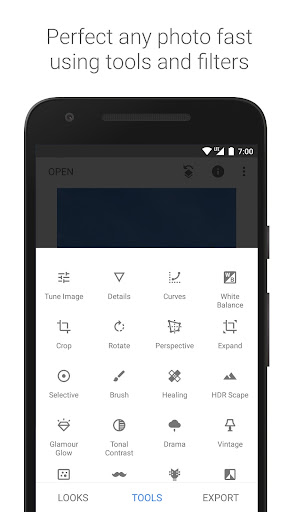
- ✓29 tools and filters cover everything from basic crops to advanced HDR
- ✓Non-destructive editing — every change is saved in a stack you can revisit
- ✓100% free with zero ads, paywalls, or in-app purchases
Cons
- ✗No video editing support — photos only
- ✗Lacks the cloud library and organizational features of Lightroom
- ✗Interface can feel dated compared to newer editing apps