Canva: AI Photo & Video Editor
by Canva




About this app
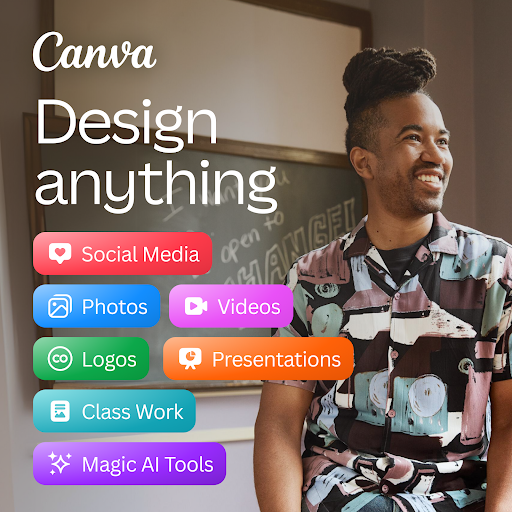
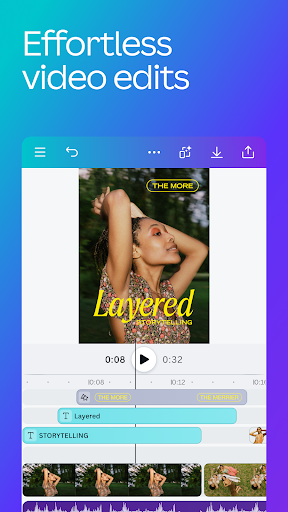
Canva is a cloud-based graphic design platform that lets anyone create professional-looking visuals without any prior design experience. Founded in Australia in 2013 by Melanie Perkins, it has grown into one of the most widely used creative tools in the world, with over 170 million active users across education, small business, marketing, and personal use. The app offers near-full parity with the web version — an impressive feat given how feature-rich the platform has become. Canva's defining concept is the template: instead of starting from a blank canvas, you pick from hundreds of thousands of professionally designed starting points for Instagram posts, presentations, flyers, logos, resumes, video reels, and dozens of other formats. You then customize colors, fonts, images, and text to make it your own. With the addition of AI tools like Magic Write, Dream Lab image generation, and one-tap background removal, Canva has evolved from a template editor into a full creative suite.
Features
- →500,000+ Templates — Ready-made designs for every format: social media posts, presentations, posters, logos, resumes, menus, and more. Filter by style, color, or industry to find your starting point fast.
- →AI Design Tools — Magic Write generates copy, Dream Lab creates images from text prompts, Magic Eraser removes unwanted objects, and Background Remover cuts out subjects in one tap.
- →Real-Time Collaboration — Share any design with teammates via link. Multiple people can edit simultaneously, leave comments, and suggest changes — like Google Docs but for visuals.
- →Brand Kit — Save your brand's colors, fonts, and logos once. Every template instantly adapts to your brand identity, keeping all your designs visually consistent.
Final take
Canva is one of those rare apps that genuinely changes what an ordinary person can create. The template library is vast, the AI tools have matured into something genuinely useful, and the free tier covers most casual and small-business needs. The mobile app is impressively capable — you can design, export, and post without ever touching a desktop. The main caveats are that the best features sit behind the Pro paywall, and heavy users will notice it slowing down on older phone. For anyone who creates visual content regularly — social media, presentations, marketing materials — Canva is a must-install.
Pros
- ✓Massive library of 500,000+ templates for every format imaginable
- ✓AI tools like Magic Eraser, Background Remover, and Text-to-Image are genuinely useful
- ✓Real-time collaboration — share a link and edit with your team simultaneously
- ✓Free plan is generous enough for most casual and student use
Cons
- ✗Best AI features and premium assets are locked behind Canva Pro ($15/month)
- ✗Limited offline functionality — requires an internet connection for most tasks
- ✗Can feel slow when loading large template libraries on mobile