Messenger
by Meta Platforms, Inc.

About this app
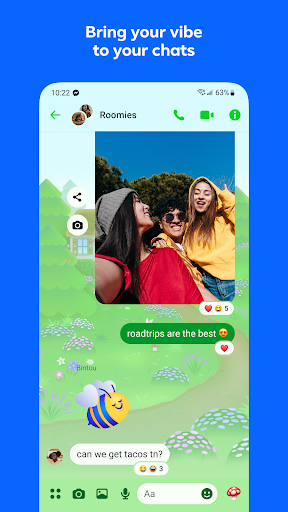
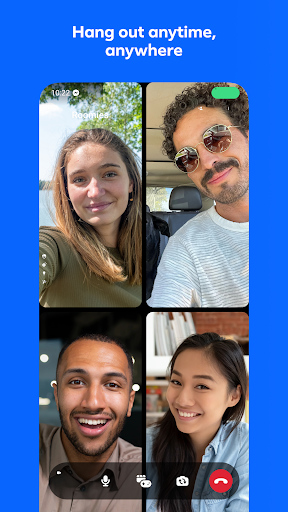
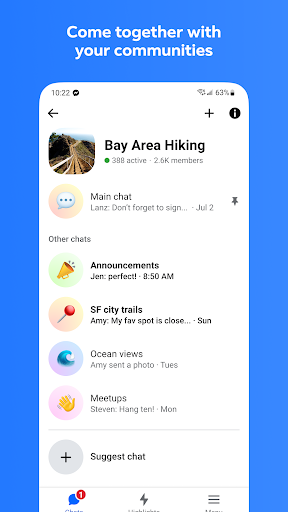
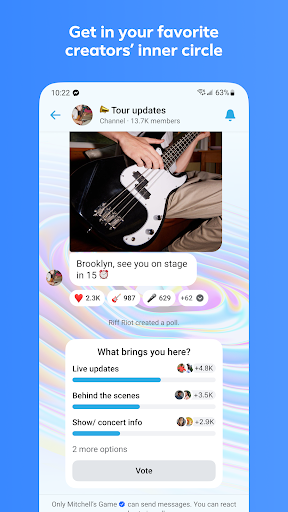
Facebook Messenger began as the in-app messaging feature of Facebook before being spun out into a standalone Android app in 2014, at which point Meta controversially removed messaging functionality from the main Facebook app and required users to install Messenger separately. The move drew intense criticism but succeeded commercially: Messenger now counts over a billion monthly active users and ranks among the top five most-downloaded Android apps globally. The app supports one-on-one and group text chats, HD audio and video calls, Rooms for multi-person video gatherings of up to fifty participants, and an AR camera with effect overlays. Following a multi-year rollout, Meta enabled end-to-end encryption by default for all personal chats in late 2023 — a significant privacy improvement over the previous opt-in model. Business accounts can use Messenger as a customer-service channel with automated responses, product catalogs, and appointment booking. Messenger's primary advantage is network effects: if someone uses Facebook, they almost certainly have Messenger, making it the path of least resistance for communicating with older relatives, small-business contacts, and anyone who resisted switching to WhatsApp or Signal. The key limitation is that Meta still collects messaging metadata — who users contact, when, and how frequently — even when message content is end-to-end encrypted. For users in jurisdictions with strong privacy protections, this distinction matters.
Features
- →Default End-to-End Encryption — Protects the content of all personal conversations so only sender and recipient can read messages.
- →Group Video Rooms — Hosts HD video calls with up to 50 participants, shared AR effects, and screen-share capability.
- →Business Messaging — Enables automated replies, product catalogs, and appointment booking for business pages.
- →AR Camera Effects — Applies real-time face filters and world effects during video calls and in the Messenger camera.
Final take
Messenger is the right choice when your contacts are already on Facebook and you need reliable video calls with a familiar interface — the 2023 end-to-end encryption rollout addresses the most significant historical privacy gap. Users who are building a messaging stack from scratch and prioritizing privacy should consider Signal or WhatsApp instead, as Messenger's metadata collection and app bloat remain real trade-offs.
Pros
- ✓End-to-end encryption is now on by default for all personal chats following a 2023 rollout
- ✓Group video calls support up to 50 participants with shared AR effects and screen sharing
- ✓Cross-platform DMs with Instagram contacts without switching apps
- ✓Business messaging tools including automated responses and catalogs make it viable for customer service
Cons
- ✗Requires a Facebook or Meta account — there is no standalone Messenger-only sign-up path on Android
- ✗Metadata (who you message, when, how often) is not covered by end-to-end encryption and is available to Meta
- ✗App bundle size is over 100 MB and consumes significant background RAM compared to Signal or WhatsApp