I've been generating AI images daily since early 2023. Not as a hobby — as production work. Brand assets for clients, social media content, product photography, concept art, editorial illustrations. My total is somewhere north of 100,000 images across every major platform that has existed during that period.
That context matters for what I'm about to tell you, because the question most people are asking in 2026 — "which AI image generator should I use?" — has a completely different answer than it did two years ago, and most comparison articles are still operating on the old framework.
The old framework was: Midjourney for aesthetics. DALL·E for accessibility. Stable Diffusion for control. That was a useful simplification in 2023. It is useless now.
DALL·E doesn't exist as a standalone product anymore. OpenAI folded image generation directly into GPT-4o as "GPT Image," and it is better in every measurable way. Stable Diffusion has been overtaken in the open-source space by FLUX. Midjourney, while still producing the most visually arresting images I've seen from any model, is no longer the automatic answer to every creative question. And the models that are dominating blind-test leaderboards in April 2026 — GPT Image 1.5, Seedream 4.5, FLUX.2 — are products that didn't exist in the form they exist now even eighteen months ago.
Let me tell you what the landscape actually looks like from inside a production workflow, and which tools I actually use and why.
How I Evaluate — And Why Most Comparisons Get It Wrong
The standard AI image generator comparison test goes like this: enter the same prompt into five models, screenshot the outputs, declare a winner. It's a fine way to write a shareable article. It tells you almost nothing about which tool you should actually use for work.
Production use has different requirements. Here's what I actually weight:
Consistency across a session matters more than the peak single result. If a model produces one spectacular image and nine mediocre ones, it's less useful than a model that produces ten reliably good images. Consistency is everything when you're delivering to clients.
Prompt adherence — does the model make what you asked for, or what it felt like making? Some models have strong aesthetic opinions that override your brief. That's fine for personal work. It's a serious problem when you're three rounds into client revisions.
Text rendering has gone from a complete joke to a genuine differentiator. In 2023, putting readable text in an AI image was nearly impossible. In 2026, some models handle it almost perfectly and some still can't spell "SALE" on a banner without three regenerations. This matters enormously for commercial work.
Style control — can you get the same aesthetic across different prompts and subjects? Building a visual system for a brand requires consistency, not just one beautiful image.
Speed and cost at volume. Generating 500 images for a product campaign is a different problem than making one concept image for a mood board. The per-image cost, the batch API, the speed — these factors compound.
Workflow integration. Does it have an API? Can I run it inside my existing pipeline? Can I fine-tune it on client-specific references?
I also reference blind-test leaderboards as data checkpoints. The Artificial Analysis Image Arena and LM Arena run large-scale human preference comparisons that remove cherry-picking. As of April 2026, GPT Image 1.5 leads text-to-image rankings (Elo ~1,273) and image editing rankings (Elo ~1,250). I'll cite these numbers where they're relevant. But my recommendations are driven by production use, not rankings — a model can score well in a preference test and still be useless in a real workflow.
Tier 1: The Models I Use Every Week
GPT Image 1.5 (OpenAI)
The most significant shift in the AI image landscape since FLUX launched is that OpenAI stopped building a separate image product and started building image generation as a reasoning capability inside GPT. GPT Image 1.5 is the current result, and it's my default tool for most client work.
What makes it fundamentally different from old DALL·E is that it reasons about the scene before it renders. Ask it for a product photo with three objects arranged in a triangle, and it counts the objects and arranges them correctly. Ask for an image where a shadow falls from the left, and it understands lighting direction geometrically. Complex multi-subject compositions that would have required heavy prompt engineering two years ago are now handled correctly from plain language descriptions.
Text rendering is the most visible improvement. GPT Image 1.5 can produce images with correctly spelled, properly formatted text — signs, labels, posters, UI mockups — with a reliability that approaches what I'd expect from a vector design tool. Not perfect, but close enough that text-containing imagery is no longer a category I avoid.
The conversational workflow inside ChatGPT is genuinely useful beyond the novelty. I describe an image, get a result, then iterate through dialogue: "make the lighting warmer," "add a third person in the background," "shift the composition slightly to the left." Each instruction lands with reasonable accuracy. For client work where you're iterating toward a brief, this workflow is faster than regenerating from scratch with a modified prompt.
Weakness worth naming directly: GPT Image is clean and precise rather than moody and cinematic. The aesthetic tends toward the literal. Ask for a "dramatic, melancholy landscape at dusk" and GPT Image gives you an accurate landscape at dusk. Midjourney gives you something that makes you feel something. These are different products.
Pricing: included in ChatGPT Plus at roughly $0.035 per image via API. That's expensive at production volume compared to FLUX, but the quality and reliability justify it for hero work. This is my workhorse for deliverables that go directly to clients — brand assets, product imagery, editorial illustrations where accuracy matters.
Midjourney v8
I have used Midjourney through every version from the early v3 experiments to the v8 Alpha that launched in March 2026, and I'll say clearly: Midjourney still produces the most visually striking images of any model I've used. Nothing else delivers atmosphere, texture, and visual poetry at the level Midjourney does when it's working well.
Version 8 is a significant upgrade on every dimension I care about. Rendering speed is roughly five times faster than v6, which changes the creative session feel completely — you're iterating, not waiting. Native 2K and 4K output means deliverables don't require upscaling. The moodboard feature, where you feed reference images to guide style direction, is something I've wanted from Midjourney for two years. Now I can build a visual reference set for a client and use it directly to direct style without elaborate prompt construction.
The persistent weaknesses are structural, not quality problems. Midjourney has no API. If you need batch generation, programmatic workflows, or integration with external tools, Midjourney doesn't fit. You're working in Discord or the web app, manually. That's fine for creative exploration and hero imagery. It is a hard constraint for production pipelines. Additionally, Midjourney has no native image editing — you generate, not modify. For iterative client revision workflows, this matters.
The other persistent weakness is its strong aesthetic opinions. Midjourney has a point of view. Sometimes that's exactly what you want — it makes your brief better than you imagined it. Sometimes you're fighting it to produce exactly what the brief specified. This has improved with version 8's reference image support, but it's still a real dynamic.
My use of Midjourney: I keep a Pro subscription specifically for concept art, mood boards, and hero imagery where the brief is aesthetic rather than precise. "Make something beautiful and evocative about this theme" is a Midjourney brief. "Make a product shot of this water bottle in a kitchen setting with afternoon light" is a GPT Image brief.
FLUX.2 (Black Forest Labs)
FLUX.2 is the most important development in open-weight AI image generation since Stable Diffusion launched in 2022, and it's the tool that anchors my production pipeline.
The open weights matter in ways that matter operationally: you can run FLUX locally, which means no per-image costs and no data leaving your infrastructure. You can fine-tune it on client-specific visual references, training a model that knows what a specific brand's product photography style looks like. You can access it via API through multiple providers at competitive pricing — around $0.03 per image for FLUX.2 Pro. You can build ComfyUI workflows that integrate FLUX with ControlNet for precise composition control.
FLUX.2 Pro handles photorealism at a level that places it fourth on leaderboards but first in certain practical categories: skin texture, fabric detail, material rendering, architectural photography. The gap between FLUX.2 and GPT Image on photorealistic output is smaller than the leaderboard positions suggest in my experience.
FLUX.2 Max — the highest quality tier — is what I use for work where output quality is the primary constraint and I have the compute budget for it.
The weakness is the barrier to entry. FLUX doesn't have a polished consumer interface the way Midjourney or ChatGPT do. You need ComfyUI, an API account, or a third-party platform like Replicate or fal.ai. The learning curve is steeper. Prompt engineering still matters more than it does in GPT Image. If you're a designer who doesn't want to think about infrastructure, this friction is real.
If I could keep only one tool, it would probably be FLUX. The combination of output quality, cost control, fine-tuning capability, and workflow integration makes it the backbone of serious production work.

Tier 2: Specialized Tools I Reach For Regularly
Google Gemini Image (Imagen 4 / Nano Banana)
Google's image generation, accessible through Gemini, is genuinely fast — 1 to 3 seconds per image — and the quality has improved to the point where it regularly places second and third on blind-test leaderboards. The "Nano Banana" naming you'll see on arena.ai is Google's codename; the underlying model is Imagen 4.
The speed is the primary production advantage. For rapid iteration — generating 20 variations of a concept in 3 minutes to explore direction before committing — Google Gemini is the most efficient tool in my workflow. The tight integration with Google Workspace and Slides is genuinely useful if you're producing a lot of presentation-format content.
The content policy is the persistent frustration. Google's restrictions are more conservative than any other major model I use. Prompts involving conflict, unusual settings, specific cultural contexts, or stylized aesthetics that any human art director would execute without question get rejected regularly. One in four legitimate creative prompts, in my experience, triggers a refusal. For brand-safe corporate content and broad consumer marketing, Gemini is excellent. For anything requiring creative range, the friction compounds.
My use: rapid concept brainstorming and iteration. Not final deliverables, because the restrictions too often interfere before I get to the output I need.
Seedream 4.5 (ByteDance)
Seedream is the specialist I reach for in two specific scenarios: any image requiring correctly rendered text, and any project requiring visual consistency across multiple assets.
The text rendering in Seedream 4.5 is the best of any model I've used regularly. Multilingual text, complex typographic layouts, poster designs where the lettering is the primary design element — Seedream handles these with an accuracy that makes it the obvious choice for e-commerce, advertising, and UI mockup work.
The multi-reference feature supports up to six input images for style and brand consistency. Building a product photography campaign where every image needs to read as the same visual system — same lighting logic, same color palette, same compositional principles — is feasible with Seedream in a way that's genuinely difficult with other models. Native 4K output at roughly 1.8 seconds per generation adds to its production appeal.
Weakness: outside the typography and brand-consistency use cases, Seedream's general image quality is competitive but not leading. Use it for the things it's best at and use other tools for everything else.
Ideogram 3.0
Ideogram occupies a specific niche with complete dominance: poster design, typographic layouts, and any image where text placement and design hierarchy are the primary creative challenge. Nothing else in the market handles this as well.
If you're designing event posters, book covers, movie key art, product packaging mockups, or anything where the image and the typography need to work together as a designed composition — Ideogram 3.0 is the only tool that produces genuinely usable starting points without heavy post-production text correction. The model understands hierarchy, white space, and design composition in ways that general image models don't.
Outside of typography-focused work, Ideogram doesn't lead. This is a specialist tool. Use it for what it's built for.
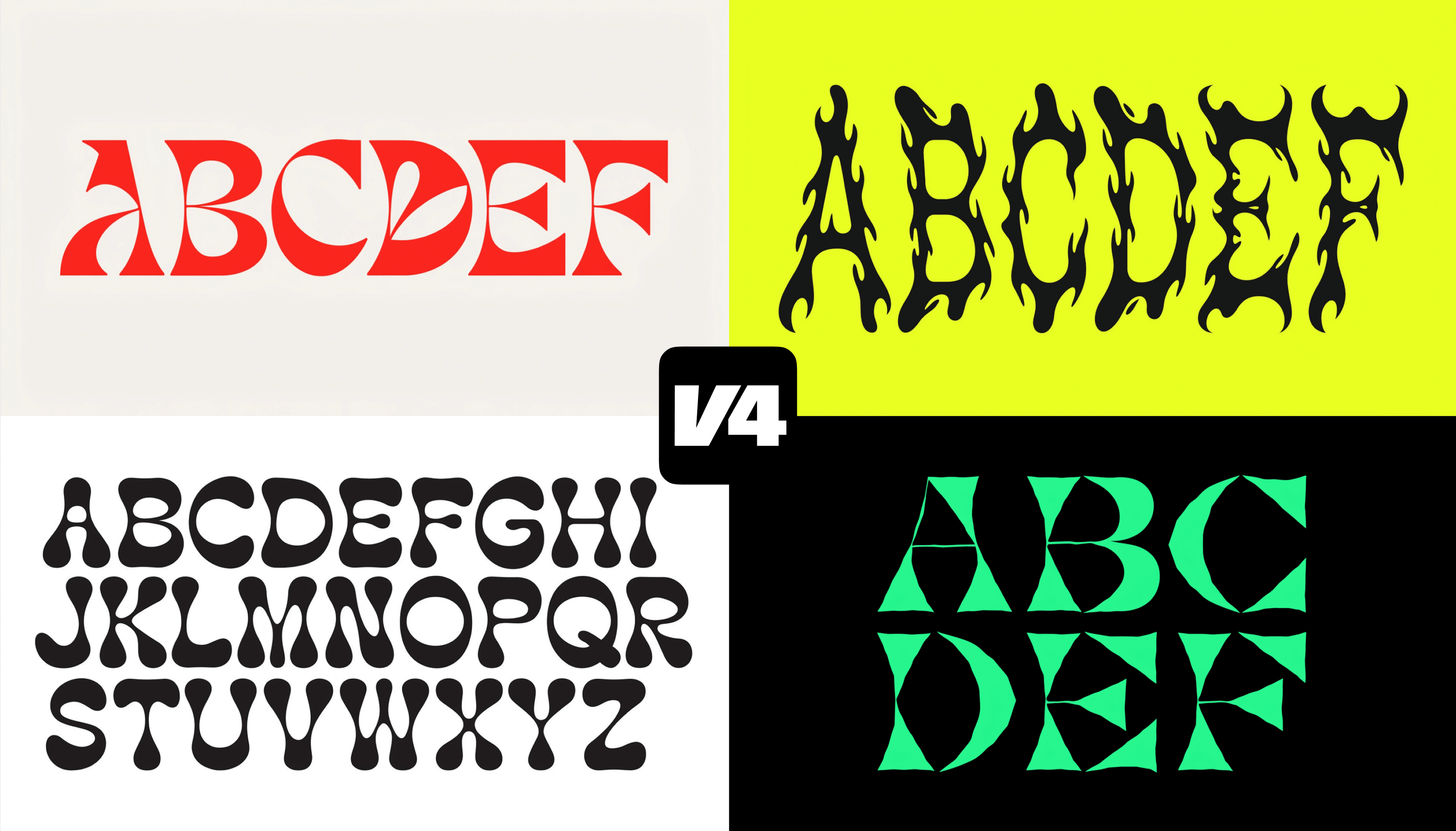
Recraft V4
Recraft is the tool that replaced a significant portion of my basic icon and logo sketch workflow, and I say this as someone who was skeptical of AI-assisted vector work for years.
Recraft V4 generates actual SVG output — scalable, editable vector graphics, not rasterized approximations. Real logo concepts, icon design, brand mark sketches. The quality is not "this is a final logo ready for use" — it's "this is a production-ready starting point that would have taken me two hours to sketch manually." At production volume, the time savings compound substantially.
If you're a graphic designer or anyone who works with brand identity, Recraft is worth a serious evaluation. It doesn't overlap much with the other tools in this list — it fills a gap that none of them address.

Tier 3: Still Relevant, No Longer Leading
Stable Diffusion 3.5
Three years ago, Stable Diffusion was the open-source revolution that changed everything. The ability to run a high-quality image model locally, with no usage fees and full customization — the whole ecosystem of LoRAs, ControlNet, community fine-tunes, ComfyUI workflows — was genuinely transformative.
FLUX has taken the open-source quality crown. SD 3.5's base model quality is noticeably behind FLUX.2 and GPT Image by 2026 standards. For pure generation tasks, there is no scenario where I'd start a new project on SD 3.5 rather than FLUX today.
What keeps SD 3.5 relevant is its ecosystem. Three years of community development means there are client-specific fine-tunes, specialized LoRAs, and customized ComfyUI workflows built on Stable Diffusion that would take weeks to rebuild on FLUX. I still run several client accounts on SD pipelines built in 2024 because the migration cost is real. But all new projects start on FLUX.
Adobe Firefly 4
Firefly's differentiation is legal, not technical: it's the only major AI image model trained exclusively on licensed content, which means zero copyright risk for commercial output. Every other major model carries some degree of IP ambiguity in its training data. Firefly does not.
For corporate clients whose legal and compliance teams are the final arbiter of which AI tools are approved — which is a real segment of the agency business — Firefly is often the only option that clears legal review. I recommend it in those situations without apology.
The quality is mid-tier by 2026 standards. If you're evaluating pure output, Firefly finishes behind GPT Image, Midjourney, FLUX, and several specialized tools in most categories. The value proposition is entirely about licensed training data and Adobe ecosystem integration, not image quality.
What Happened to DALL·E 3?
Since the original article this piece is replacing was partly a DALL·E 3 comparison, I want to address this directly.
DALL·E 3 is effectively retired. OpenAI didn't announce a shutdown with the fanfare of the Sora closure — they simply evolved past it. Image generation is now a native capability of GPT-4o's reasoning architecture, branded as "GPT Image." GPT Image 2 is in closed beta as of this writing.
The result is better in every way. GPT Image 1.5 generates higher quality images than DALL·E 3 ever did, understands prompts more accurately, handles text far better, and supports genuine editing workflows. The conversational interface inside ChatGPT is more capable than the old API-driven DALL·E workflow for most use cases.
If you're still thinking in terms of "should I use DALL·E," you're operating on a framework that's two years out of date. The question is whether GPT Image fits your workflow — and for most people doing commercial content work, it does.
The Prompt Engineering Gap Is Closing
Three years ago, the primary skill for getting good AI images was elaborate prompt construction. The system prompt formulas, the negative prompts, the artist name stacking — there was a real craft to it, and the gap between a skilled prompt engineer and a casual user was enormous.
In 2026, that gap has narrowed significantly. Models like GPT Image 1.5 and Midjourney v8 understand natural language with enough sophistication that elaborate prompt formulas matter less and less. Plain descriptions of what you want now produce results that would have required significant prompt engineering to achieve in 2023.
What matters more now is a different set of skills. Reference images have become the primary lever for style control — feeding the model visual examples rather than verbal descriptions produces more consistent and predictable results. Style consistency systems — building a reference set for a client brand and using it systematically across a production run — are the workflow design skill that separates professional output from casual output. Model selection matters: knowing which tool to reach for first based on the task type is a skill that takes real time to develop. Multi-step workflows, where you use one model to generate a rough and a second to refine or edit, regularly outperform single-model generation for complex briefs.
The era of "write better prompts" is giving way to the era of "design better workflows." Build that skill.
My Actual Daily Workflow — April 2026
Here is what I actually use, for what, and why:
Concept exploration and moodboards: Midjourney v8. When a project starts with aesthetic exploration rather than a defined brief, Midjourney's visual imagination is the most generative starting point. I feed it loose references and thematic language and see what direction emerges. This is where the creative decision gets made.
Client-facing brand assets: GPT Image 1.5. After the concept direction is established, anything going directly to a client — brand imagery, product photography, editorial illustrations — goes through GPT Image. The precision, the iterability through conversation, the text handling. This is the reliable production tool.
Batch production and automation: FLUX.2 Pro via API. Generating 50 or 500 variations of a product in a pipeline, running brand-fine-tuned models for consistent character and style across a campaign, anything where cost at volume and API access matter. FLUX is the backbone.
Text-heavy designs: Seedream 4.5. Any brief where readable text in the image is required — ads, posters, UI mockups, e-commerce creative.
Logo and vector work: Recraft V4. Any brief involving marks, icons, or scalable graphic assets.
Quick brainstorming and iteration: Google Gemini. When I need 20 rough variations in three minutes to figure out which direction to pursue before investing real time, Gemini's speed wins.
The reason this is six tools rather than one is not indecision. It's that these tools are genuinely specialized. Committing to a single AI image tool in 2026 is like a photographer owning one lens. A 50mm prime is a beautiful lens. It is the wrong choice for macro work, for architecture, for portraits at a distance. The multi-model workflow is not a workaround — it's the professional standard.
Pricing Reality for Production Use
The number you should care about is cost-per-usable-image, not cost-per-generated-image. For every image you use, budget for approximately two you discard — a failed generation, a composition that didn't land, a variation that goes the wrong direction. Your real cost is roughly double the listed price at production volume.
Producing 500 campaign images on FLUX via API at $0.03 each costs $15 in generation — plus approximately $15 in discarded generations — for a total of around $30. The same 500 images on Midjourney, factoring in subscription amortization, costs significantly more per image and lacks the API efficiency. Know your use case before optimizing for price.
What Still Sucks Across All Models
Three years in, here are the limitations that remain consistent across every tool I use:
Hands are better than they were but still not reliable in complex poses. Interacting hands, fine motor tasks, unusual angles — these remain sources of errors that require detection and correction. They've improved substantially. "Improved substantially" and "solved" are not the same thing.
Consistent characters across multiple images without fine-tuning is still unreliable. If you need the same specific face, the same person, appearing across ten different images without running a dedicated fine-tune — every model will give you variation that makes the images read as different people. Fine-tuning solves this but requires setup time and cost.
Precise spatial instructions remain hit-or-miss. "Put the red cup exactly 40% from the left edge of the frame, slightly behind the blue vase" is a composition a human photographer could execute immediately. AI models produce something approximately right and require iteration to land the precise position.
Photorealistic human faces in unusual angles or lighting can hit uncanny valley. Most frontal portraits are handled well. Three-quarter angles under unusual lighting are where errors cluster.
Style consistency across a large production batch requires deliberate workflow design. Feeding reference images, using style-lock features, building a consistent prompt structure — this is manageable, but it requires intentional workflow design rather than naive generation.
Reflections, complex shadows, and accurate architectural perspective remain error-prone in ways that require quality checking. Not impossible — just worth checking before client delivery.
What I'd Tell My 2023 Self
Looking back at three years and over 100,000 images:
Stop obsessing over one model. The creators I know who produce the best AI image work use three to five tools and switch based on the task. The creators who produce average work often picked one tool in 2023 and never reconsidered it.
Prompt engineering matters less every year. Visual references and workflow design matter more. Invest your learning time accordingly.
The gap between free or open-source options and expensive closed models is narrower than the pricing suggests. FLUX.2 via API at $0.03 per image produces output that competes with models costing three times as much. This gap will continue to narrow.
AI image generation does not replace designers. It replaces the tedious, repeatable parts of design — rough ideation, variation generation, reference material — and raises the production floor for everyone. The human value-add has shifted upward: judgment, creative direction, client relationship, quality standards. That shift is real and ongoing.
The best work you'll produce with these tools uses AI as a starting point, not a final product. The images I'm most proud of from this period are ones where the AI gave me a foundation and I made decisions — compositional, editorial, directional — on top of it. Pure generation without curation produces average results at scale.
**If you're just starting out and can only afford one tool**: get ChatGPT Plus and use GPT Image 1.5. The quality is best-in-class for most tasks, the workflow is learnable without technical setup, and the $20/month subscription gives you a production-grade tool without infrastructure complexity.
**If you're a professional building a production stack**: start with FLUX.2 via API as your backbone, add a Midjourney Pro subscription for concept and aesthetic work, and pick up Seedream for text-heavy briefs. That three-tool combination covers the vast majority of commercial image generation work at a cost structure that makes sense at volume.
The era of Midjourney versus DALL·E versus Stable Diffusion is over. What replaced it is more capable, more specialized, and in most ways more interesting. It took three years and over 100,000 generated images to see where it landed.


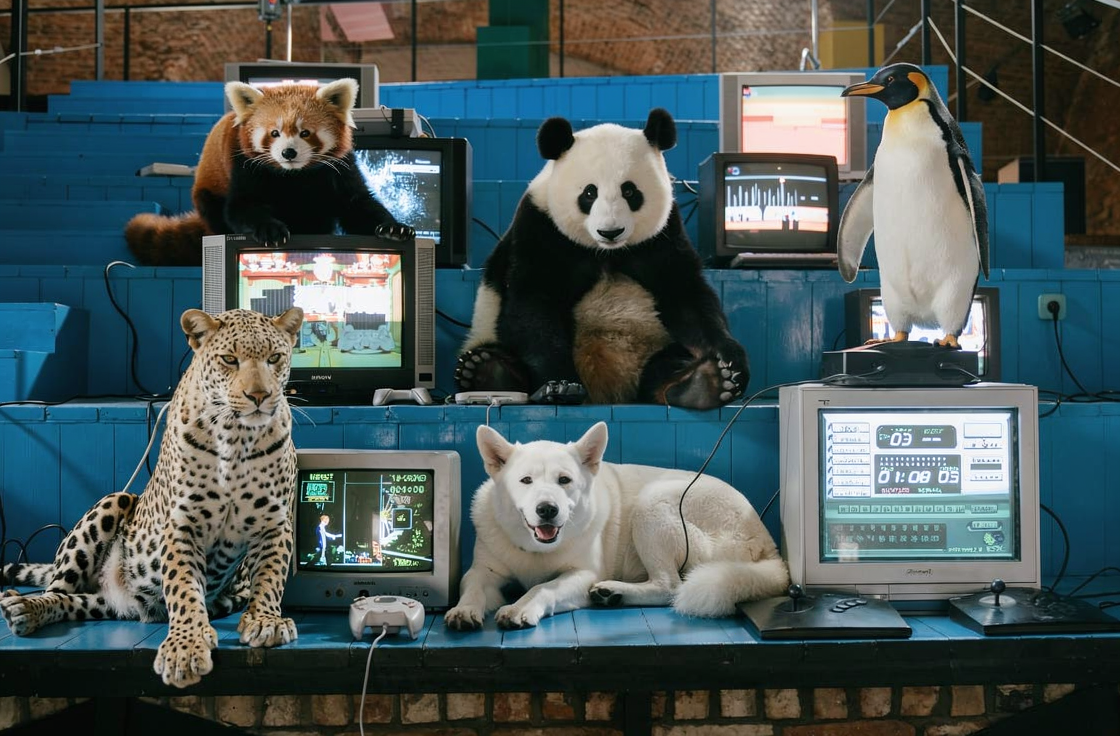
![FLUX.2 [max]](/images/articles/the-best-ai-image-generators-in-2026/FLUX-2-max.jpg)