
A new phone feels exciting, but the default app setup is rarely optimal. Preinstalled apps are often generic, duplicated, or tied to ecosystem choices you may not want long term.
Why Your Phone Isn't Ready Out of the Box
Out of the box, your phone can call, text, browse, and take photos, but it usually lacks the best tools for privacy, organization, backup, and productivity. This guide helps you install 10 genuinely useful apps in about 10 minutes, covering the highest-frequency daily scenarios for normal users, not power users.
The List
1. Browser — Brave / Firefox
What it does: Both apps replace the stock browser with stronger privacy controls and better tracking protection.
Why this pick: Brave is excellent for built-in ad/tracker blocking out of the box. Firefox is ideal if you want open-source transparency plus extension flexibility.
Free tier: Both are fully usable for free.
One-line take: If you care about privacy without extra setup, install Brave first; if you want customization, pick Firefox.
2. Password Manager — Bitwarden
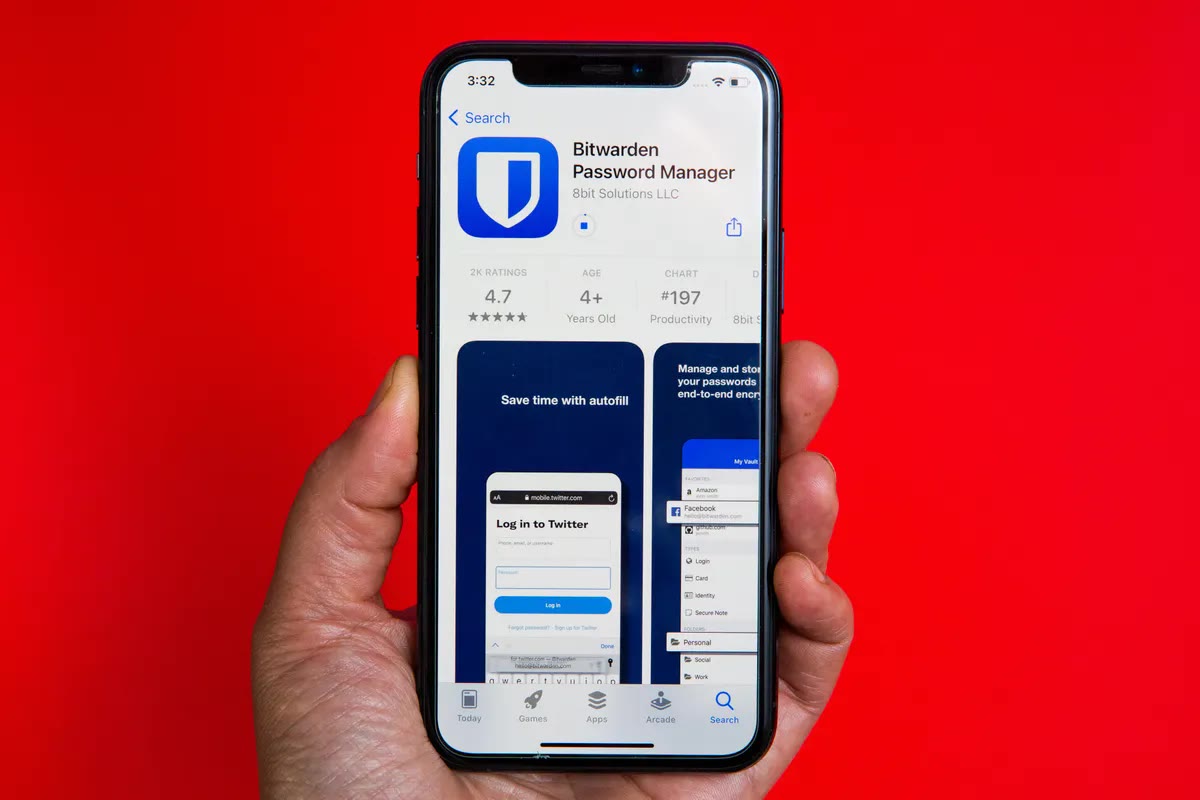
What it does: Bitwarden stores, generates, and autofills secure passwords across phone and desktop.
Why this pick: It is open-source, widely trusted, and works on every major platform without locking you in.
Free tier: Free plan is strong enough for most users, including unlimited passwords and multi-device sync.
One-line take: Bitwarden is the easiest way to stop reusing weak passwords forever.
3. Messaging — Telegram
What it does: Telegram handles chats, large groups, channels, and fast file sharing.
Why this pick: It scales better than most messengers for communities and cross-device usage.
Free tier: Core messaging features are very complete for free.
One-line take: For users who need more than basic chatting, Telegram is the most versatile daily messenger.
4. Notes — Google Keep / Notion
What it does: Keep is for quick capture (lists, reminders, sticky notes); Notion is for structured docs, planning, and knowledge organization.
Why this pick: Together they cover both speed and depth: Keep for instant notes, Notion for long-term organization.
Free tier: Keep is fully free. Notion free plan is generous for personal use.
One-line take: Use Keep when speed matters, Notion when structure matters.
5. Cloud Storage — Google Drive / iCloud
What it does: Cloud storage protects files and photos and makes device migration easier.
Why this pick: Drive is best for cross-platform flexibility; iCloud is best for users deep in Apple ecosystem.
Free tier: Google Drive offers 15GB shared storage; iCloud offers 5GB free (often tight for heavy photo users).
One-line take: Pick Drive for flexibility, iCloud for Apple-native convenience.
6. Photo Editing — Snapseed
What it does: Snapseed provides full-featured mobile editing: adjustments, selective edits, healing, and curves.
Why this pick: It offers professional-level tools with zero subscription pressure.
Free tier: Fully free.
One-line take: Snapseed is still the best no-subscription photo editor for everyday users.
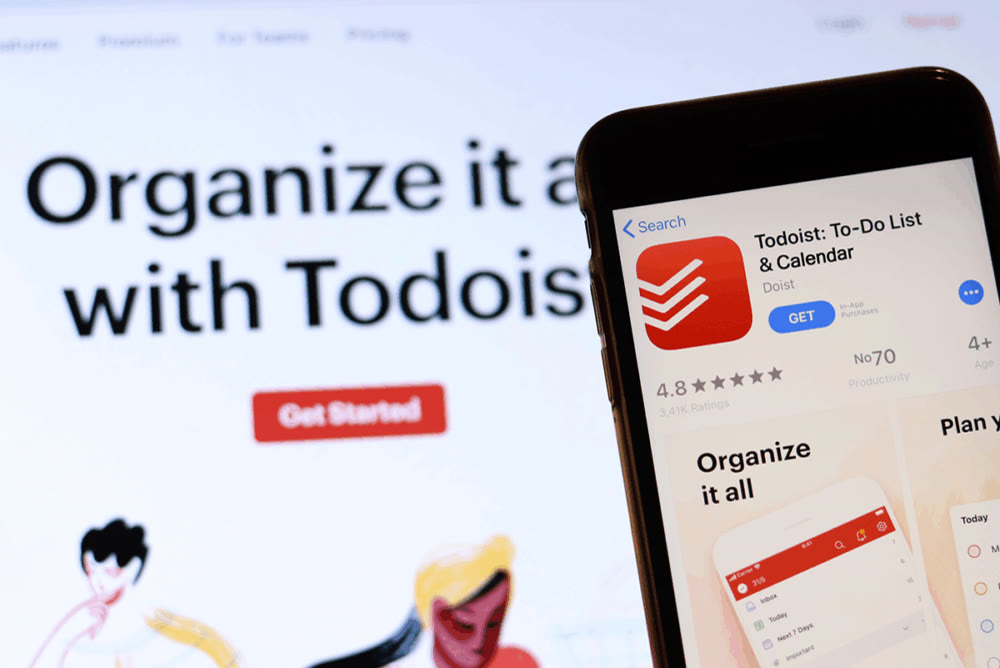
7. Task Manager — Todoist
What it does: Todoist helps you capture tasks, set due dates, and stay consistent with recurring reminders.
Why this pick: It stays simple while still handling real-world workflows.
Free tier: Free version is enough for most personal task management.
One-line take: Todoist is the cleanest “just get things done” task app.
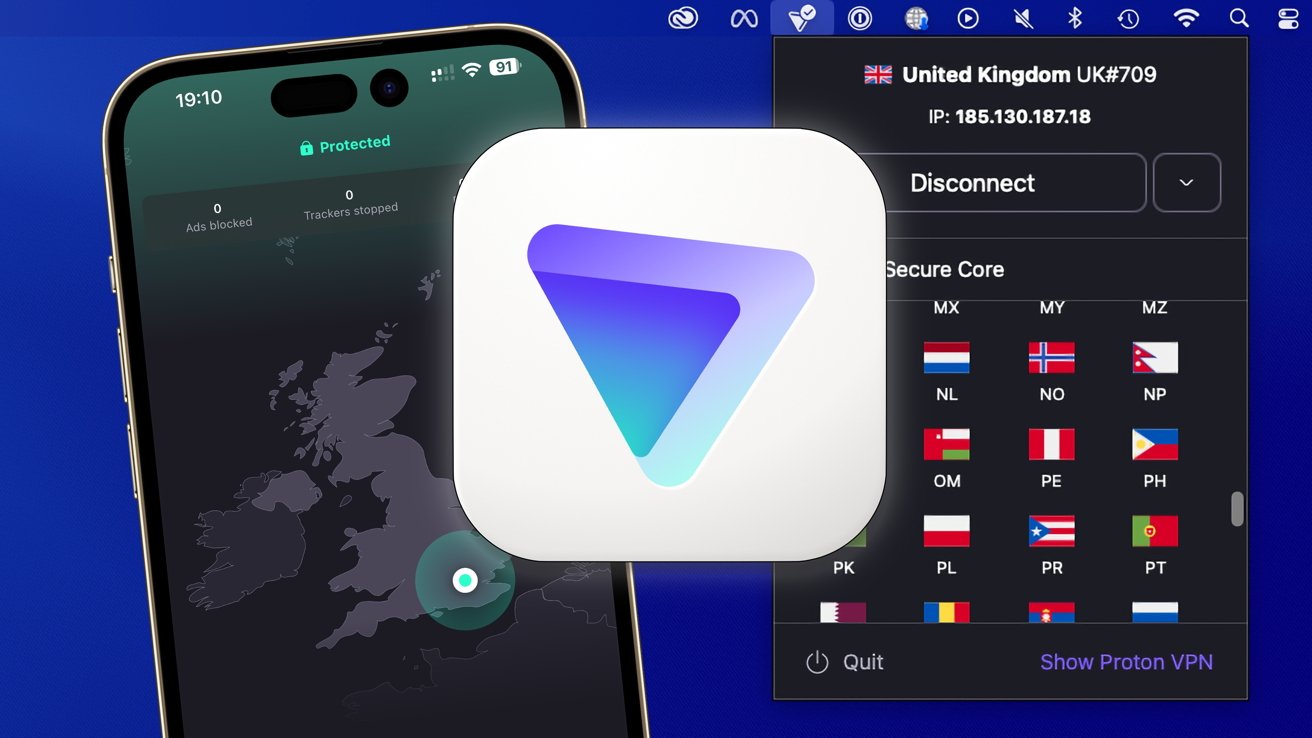
8. VPN — ProtonVPN
What it does: ProtonVPN encrypts your connection, especially useful on public Wi-Fi.
Why this pick: Strong privacy reputation, transparent policy stance, and a free plan that is actually usable.
Free tier: Free plan supports unlimited data with some server/location limits.
One-line take: If you use coffee-shop or airport Wi-Fi, ProtonVPN is a must.
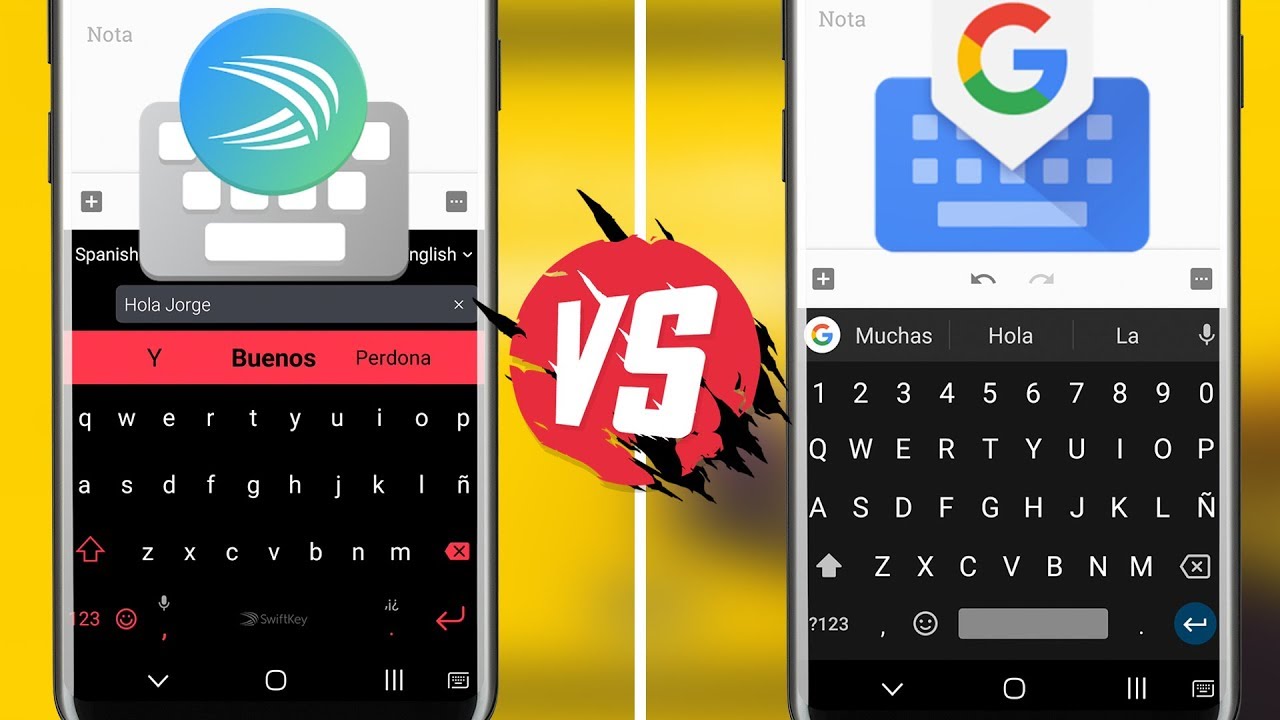
9. Keyboard — Gboard / SwiftKey
What it does: Both improve typing speed, autocorrect quality, and multilingual input over stock keyboards.
Why this pick: Gboard usually wins on prediction quality and voice input; SwiftKey is great for customization and multilingual flow.
Free tier: Both are free.
One-line take: Gboard for best default experience, SwiftKey for personalization-heavy users.
10. Ad Blocker / DNS — AdGuard / NextDNS
What it does: These tools reduce trackers and ad domains at the network level.
Why this pick: They improve browsing comfort and can reduce background tracking noise significantly.
Free tier: AdGuard has free options depending on platform/version; NextDNS has a generous free quota suitable for many users.
One-line take: One DNS/privacy setup can improve every app on your phone, not just your browser.
Honorable Mentions
Spotify / YouTube Music: Great for streaming depending on your recommendation preference and regional catalog.
Google Maps / Waze: Maps is better all-around, Waze is often better for traffic alerts and route adaptation.
Shazam: Still the fastest way to identify songs in real life.
Files by Google / built-in file manager: Very useful for cleaning junk and finding downloads.
Signal: If privacy is your top priority, Signal is a strong primary messenger candidate.
A Few Apps You Should Skip
Most third-party “RAM cleaner” apps: modern phones already manage memory better than these tools.
Random free antivirus apps: many add little real protection and mostly create noise.
Extra weather apps you never open: the built-in weather widget is usually enough.
Final Thoughts
A great phone setup is not about installing more apps. It is about installing the right small set. These 10 apps cover browsing, security, messaging, notes, storage, editing, productivity, and privacy for daily life. Start here, keep your setup lean, and add new apps only when you have a real need.


